Python Script to Get Weather Forecast from NWS API
In this blog entry I show you how to use AI to write a Python script that retrieves a 7-day weather forecast from the National Weather Service API. Now I will show you how to test the script.
Vibe coding is an interative process, so if the results aren’t what you want, you refine the original prompt and let AI step up to solve the problem. Spoiler alert—my prompt needed no correction!
Testing and Running the Python Script
There are a number of ways to test Python scripts. I like using Visual Studio Code, which is free to download from Microsoft.
To test and run the Python script:
- Open Visual Studio Code and click File > New File.
- Create a file called TestWeather.py.
- Copy the Python script from your Ask Gemini result into the file.
- Update the HEADERS section to use your email address and save the file.
- If desired, change the lat and lon coordinates at the bottom of the script. The coordinates Gemini provided are for New York City.
- Click View > Terminal to open the Terminal window. It opens below your Python script.
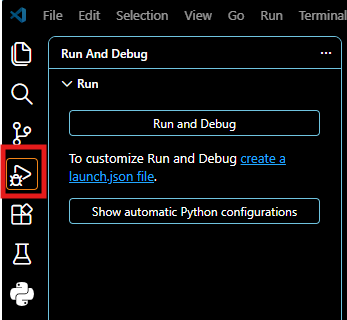
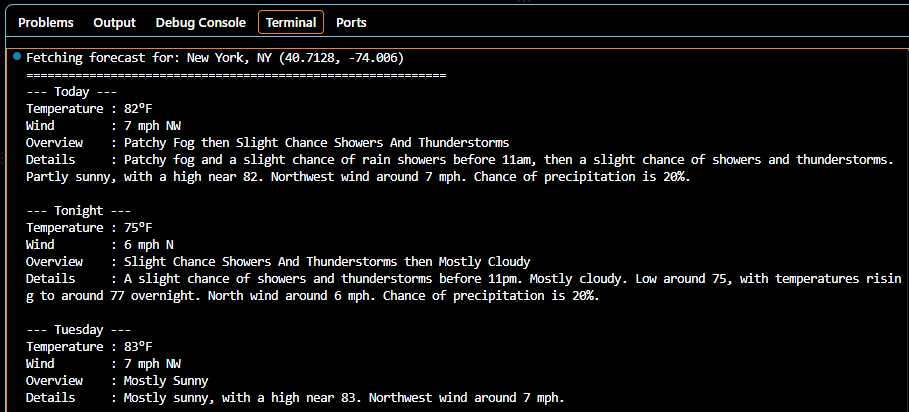
Run and Debug icon - In the icon panel at the left, click the Run and Debug icon, and then click Run and Debug. Visual Studio Code runs the script and displays the results in the Terminal window. Success!